Permission Denied After Unzip and How rmqa Spots Lost Executable Bits
On Linux and macOS, a program runs only if its file is marked executable. The mark travels with the file in a tar archive, as part of each entry’s Unix permissions. Lose it, and every user who downloads the release gets the same first experience:
$ ./tidy
bash: ./tidy: Permission denied
Then a support question, or a quiet uninstall.
Two Ways It Gets Lost
Packing with the wrong mode. A script copies the program with a tool or a step that doesn’t keep permissions, or builds the tar archive with fixed file modes, and the program goes in as -rw-r--r--. The archive looks normal, the program is fine, it just won’t start.
Zipping on Windows. The zip format can store Unix permissions, but only when the tool that made it is told it’s on a Unix system. Zips made on Windows don’t store them at all. A macOS or Linux build zipped on a Windows runner unpacks without the executable mark on every user’s machine.
The Check
tidy ships macOS builds as zips. One of them was made by the Windows packing job, and the Linux ARM archive was packed with fixed modes:
Checking dist for tidy 2.3.0

  warn  tidy_darwin_amd64.zip    darwin/amd64
          warning: tidy: the archive stores no Unix permissions (it was probably zipped on Windows), so the program won't be executable after unpacking [exec-bit-unknown]
  ok    tidy_darwin_arm64.zip    darwin/arm64
  ok    tidy_linux_amd64.tar.gz  linux/amd64
  FAIL  tidy_linux_arm64.tar.gz  linux/arm64
          tidy: isn't marked executable, so users will get "permission denied" until they chmod +x it [no-exec-bit]
  ok    tidy_windows_amd64.zip   windows/amd64
  ok    SHA256SUMS

Not ready: 1 error, 1 warning in 6 files.
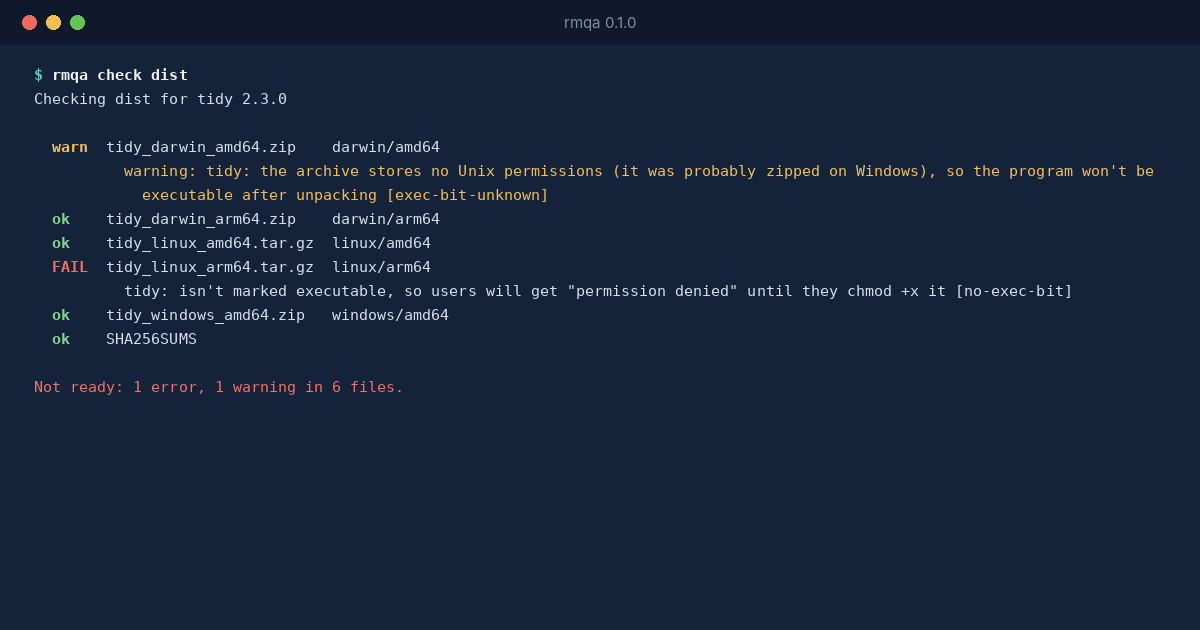
The tar case is an error, no-exec-bit: rmqa can see the mode, and it’s wrong. The zip case is a warning, exec-bit-unknown: the archive simply doesn’t say, and every common unzip tool will then create the file without the mark. Run with --strict to make warnings stop the release too.
Windows programs are left out of both checks, because Windows decides what runs by the .exe name, not by a permission.
Fixing It
For tar archives, set the mode before packing (chmod +x) and use a tar that keeps it, which the default tar on Linux and macOS does. For zips of Unix programs, make them on Linux or macOS with zip, which stores Unix permissions, or ship tar archives instead.
Then run rmqa inspect on one archive to see the modes rmqa sees:
$ rmqa inspect tidy_linux_arm64.tar.gz
tidy_linux_arm64.tar.gz  596857 bytes  sha256 c7be3d39b94b4d0896247477e0d3ae7159d79d6cc9b93893c7210ac6d169f915
  -rw-r--r--  tidy  1441976 bytes  ELF linux/arm64
  -rw-r--r--  LICENSE  541 bytes